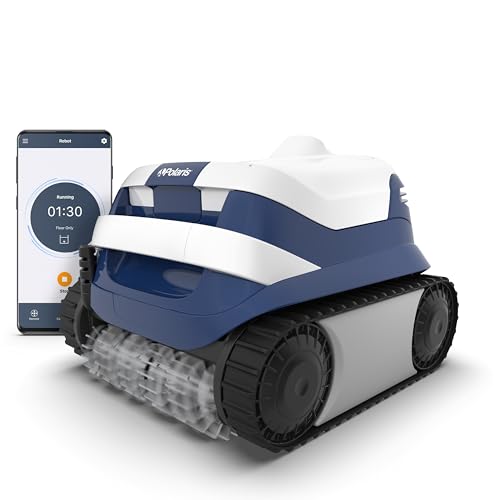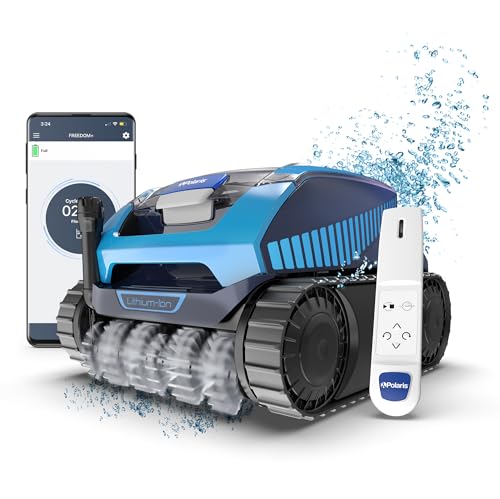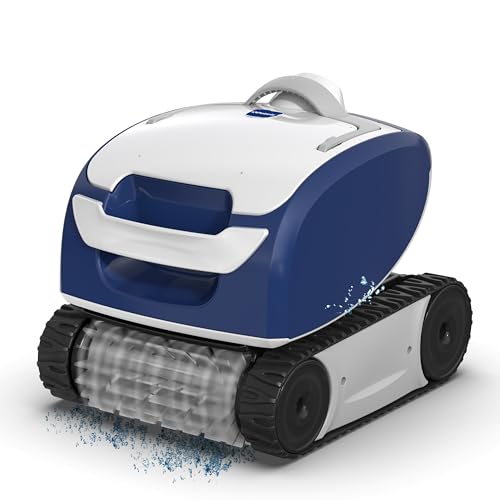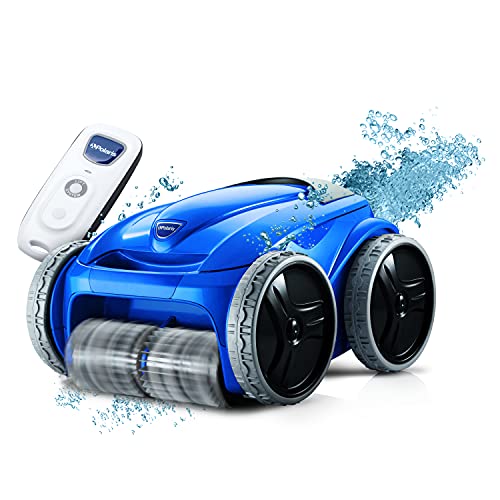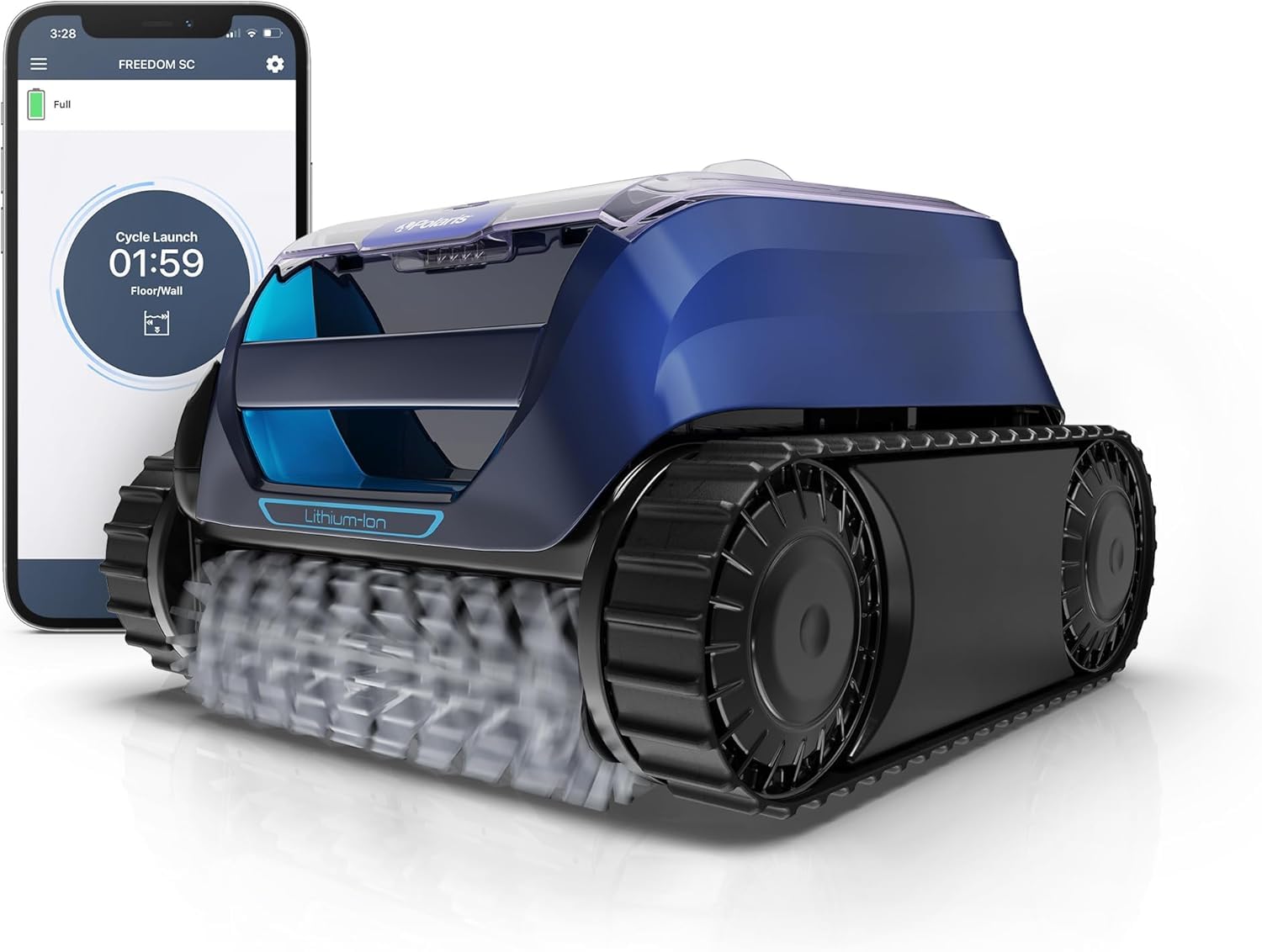
Polaris Freedom SC Cordless Robotic Pool Cleaner, WiFi Enabled | Fast-Charging, Dual Modes Clean Floor & Walls in 2 Hrs, iAquaLink App, Easy-Lift Removal, up to 36ft
Disclosure: We may earn a commission when you buy through links on this page, at no extra cost to you. As an Amazon Associate I earn from qualifying purchases. Learn more
Highlights
- Tap & Lift Removal System: For convenient retrieval at the waterline when cleaning is done — simply tap the cleaner and watch it climb up the wall to you so you can easily grab the handle as water quickly evacuates for lightweight removal.
- Two Cleaning Modes: Clean the pool while you get ready. The FREEDOM SC cordless robotic cleaner cleans your floor or floor and walls in 2 hours or less — giving you enough time to do what you need before guests arrive.
- Simple Charging: Recharge your cleaner in under 5 hours without ever leaving the pool deck. FREEDOM SC is rated for outdoor charging — simply attach the power cord to the back of the cleaner and plug it into any outlet nearby.
- Connect With Your Cleaner: Whether you’re at home or away, you can check on your cleaner from the iAquaLink app— the industry’s highest-rated pool control app. The WiFi enabled FREEDOM SC provides charging status, allows you to select cleaning modes and sends push notifications once cleaning is complete.
- Power that Endures: Optimal results require optimal power. FREEDOM SC comes with a long-lasting lithium-ion battery that won't compromise endurance or performance ensuring your pool is clean for years to come.
Why You'll Love It
- Choose floor-only or floor-and-wall cleaning to match the pool cleaning job
- Completes a cleaning cycle in two hours or less, helping keep pool maintenance manageable
- Tap the cleaner when it reaches the waterline to bring it within easy reach
- Recharge outdoors on the pool deck without carrying the cleaner elsewhere
- Use the iAquaLink app to check charging status, select cleaning modes and receive completion alerts
- Lithium-ion battery provides cordless cleaning without a power cord attached during operation
Pros
- +Cordless robotic cleaning
- +Two selectable cleaning modes
- +Floor and wall cleaning
- +App-based monitoring and controls
- +Waterline retrieval system
Cons
- -Recharge required between cleaning sessions
- -Charging takes under five hours
- -Limited to two cleaning modes
Detailed Review
The Polaris Freedom SC cordless robotic pool cleaner is designed for pool owners who want automated floor and wall cleaning without managing a power cord during operation. Its main appeal is the combination of two cleaning modes, app-based controls and a retrieval system designed to bring the cleaner within reach when its work is finished. Rather than requiring you to handle every part of the cleaning process manually, it gives you a way to schedule your attention around an automated cleaning cycle. It is particularly appealing if you value convenience and want to monitor pool cleaning from your phone.
The two cleaning modes make it possible to choose between floor-only cleaning and a more extensive floor-and-wall cycle. Both are designed to finish in two hours or less, which gives you a relatively clear timeframe when planning around pool use or preparing for guests. Having a choice matters because not every cleaning session needs to cover the same areas. You can select the mode that matches the job instead of automatically choosing the more extensive option every time.
Retrieving a robotic cleaner can be an inconvenient part of pool maintenance, so the Tap and Lift system is an important part of this design. When cleaning is complete, you can tap the cleaner and it will climb the wall toward the waterline. You can then reach the handle while water drains away, making removal easier. This approach is intended to reduce the effort involved in getting the cleaner out of the pool after a session, rather than leaving you to retrieve it from the bottom.
Charging and app connectivity add another layer of convenience. The lithium-ion battery powers cordless operation, while the outdoor-rated charging arrangement lets you connect the charging cord at the back of the cleaner and plug it into a nearby outlet on the pool deck. Recharging takes under five hours. Through the iAquaLink app, you can check charging status, choose a cleaning mode and receive a notification when cleaning is finished, whether you are at home or away.
The main trade-off is that cordless operation still requires charging between sessions. You will need to account for the recharge period when planning repeated cleaning, and the cleaner's two modes may not suit someone looking for more specialized cleaning choices. App connectivity is useful, but shoppers who prefer a completely app-free routine may not make much use of that feature. Verdict: This cordless robotic pool cleaner is a good choice for pool owners who want automated floor and wall cleaning, convenient waterline retrieval and phone-based monitoring. Consider another type of pool cleaner if you specifically want a different cleaning arrangement or do not want to manage battery recharging.
Who Should Buy It
A great fit if you:
- Own a pool and want a robotic cleaner to handle floor cleaning without requiring you to guide it manually throughout a session.
- Want the option to clean both the floor and walls when preparing your pool for guests or regular use.
- Prefer cordless operation and would rather manage charging on the pool deck than keep a power cord attached during cleaning.
- Like checking equipment status and receiving completion notifications through a smartphone app while attending to other activities.
- Appreciate a retrieval arrangement that brings the cleaner toward the waterline instead of requiring you to reach for it at the bottom.
Consider something else if you:
- Want a pool cleaning system with a wider selection of specialized cleaning modes, making a more configurable alternative a better match.
- Do not want to manage battery charging between sessions and would prefer a different type of powered pool cleaning equipment.
Before You Buy
Confirm on the listing:
- Check your pool's dimensions and layout against the cleaner's stated coverage suitability, especially if your pool has an unusual shape or extensive wall areas.
- Check whether the included charging cord and other supplied items meet your expectations, and review exactly what comes in the package.
- Confirm that you have a suitable nearby outlet on the pool deck for the outdoor charging arrangement.
- Check your WiFi availability and whether your preferred phone can use the iAquaLink app and its cleaning notifications.
How to compare your options: Start with the cleaning coverage you actually need. Floor-only and floor-and-wall cleaning are both available here, so consider whether both are useful for your pool. Next, compare cleaning-cycle duration, charging arrangements and retrieval convenience. The two-hour-or-less cleaning time, under-five-hour recharge and waterline retrieval system are the main practical features to weigh. Finally, decide whether app monitoring adds meaningful convenience to your routine or whether you would rather choose equipment with a different control approach.
Getting the Most From It
Start by familiarizing yourself with the charging arrangement and the controls before choosing your first cleaning session. The charging cord attaches to the back of the cleaner, and the outdoor-rated design allows charging on the pool deck. Choose a suitable nearby outlet and follow the supplied instructions for the charging process.
Make the cleaning mode a deliberate choice rather than automatically selecting the same setting every time. Floor-only cleaning is available when you want to focus on the bottom, while floor-and-wall cleaning provides broader coverage. The selected cycle is designed to finish in two hours or less, which can help you plan around when you want the pool ready.
Set up the iAquaLink app if you want to use its monitoring features. Check charging status, select your preferred cleaning mode and pay attention to the notification indicating that a session has finished. These functions make it easier to keep track of the cleaner without having to monitor every stage yourself.
When a cleaning session ends, use the Tap and Lift retrieval feature to bring the cleaner toward the waterline. Take hold of its handle when it reaches you and allow water to drain as designed. Keep charging and general care consistent with the manufacturer's instructions, particularly when preparing the cleaner for its next session.
FAQ
Does the Polaris Freedom SC clean pool walls?
Yes. It offers a floor-and-wall cleaning mode as well as a floor-only mode. You can choose the coverage that suits your cleaning session.
How long does a cleaning cycle take?
Both cleaning modes are designed to complete in two hours or less. This gives you a useful timeframe when planning pool maintenance.
How long does the battery take to recharge?
Recharging takes under five hours. The cleaner can be charged outdoors on the pool deck using its charging cord and a nearby outlet.
Can I control the pool cleaner from my phone?
Yes. The WiFi-enabled cleaner connects with the iAquaLink app, which lets you check charging status, select cleaning modes and receive notifications when cleaning finishes.
How do I remove the cleaner from the pool?
The Tap and Lift system brings it toward the waterline when you tap the cleaner. You can then reach its handle while water drains away. For exact package contents and pool compatibility, check the current product listing before purchasing.
Product Details
| ASIN | B0F9HHLK4J |