
Best Robot Vacuum for Multiple Floors: A Buying Guide for 2026
Disclosure: We may earn a commission when you buy through links on this page, at no extra cost to you. As an Amazon Associate I earn from qualifying purchases. Learn more

A robot vacuum for multiple floors needs saved maps for every level and a weight you can carry. Compare mapping, docks, cliff sensors and batteries.
No robot vacuum climbs stairs, so cleaning a multi level home with one machine is a logistics problem, not a power problem. The robot must remember a map for each floor, survive being carried between them and clean a whole level without its dock nearby. If you are choosing the best robot vacuum for multiple floors, focus on map storage, weight and how the machine behaves far from home base.
This guide explains what changes when one robot serves several levels, from dock strategy to stair safety. The product table near the top shows the main types side by side, and our general guide to the best robot vacuum covers the basics if you are new to robot cleaning altogether.
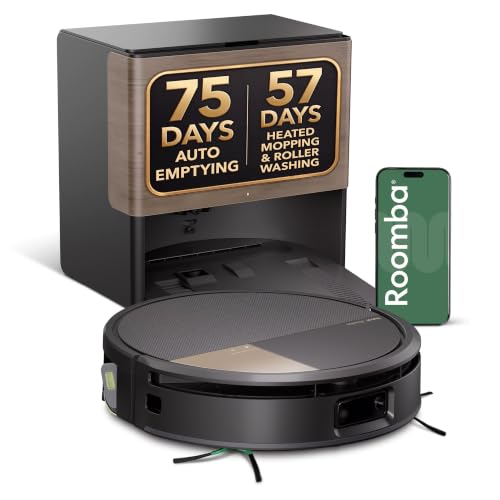
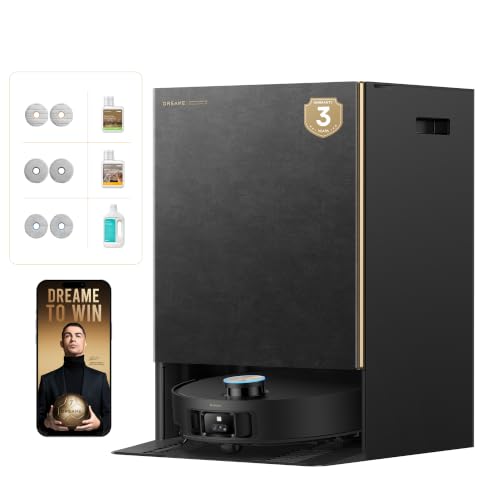
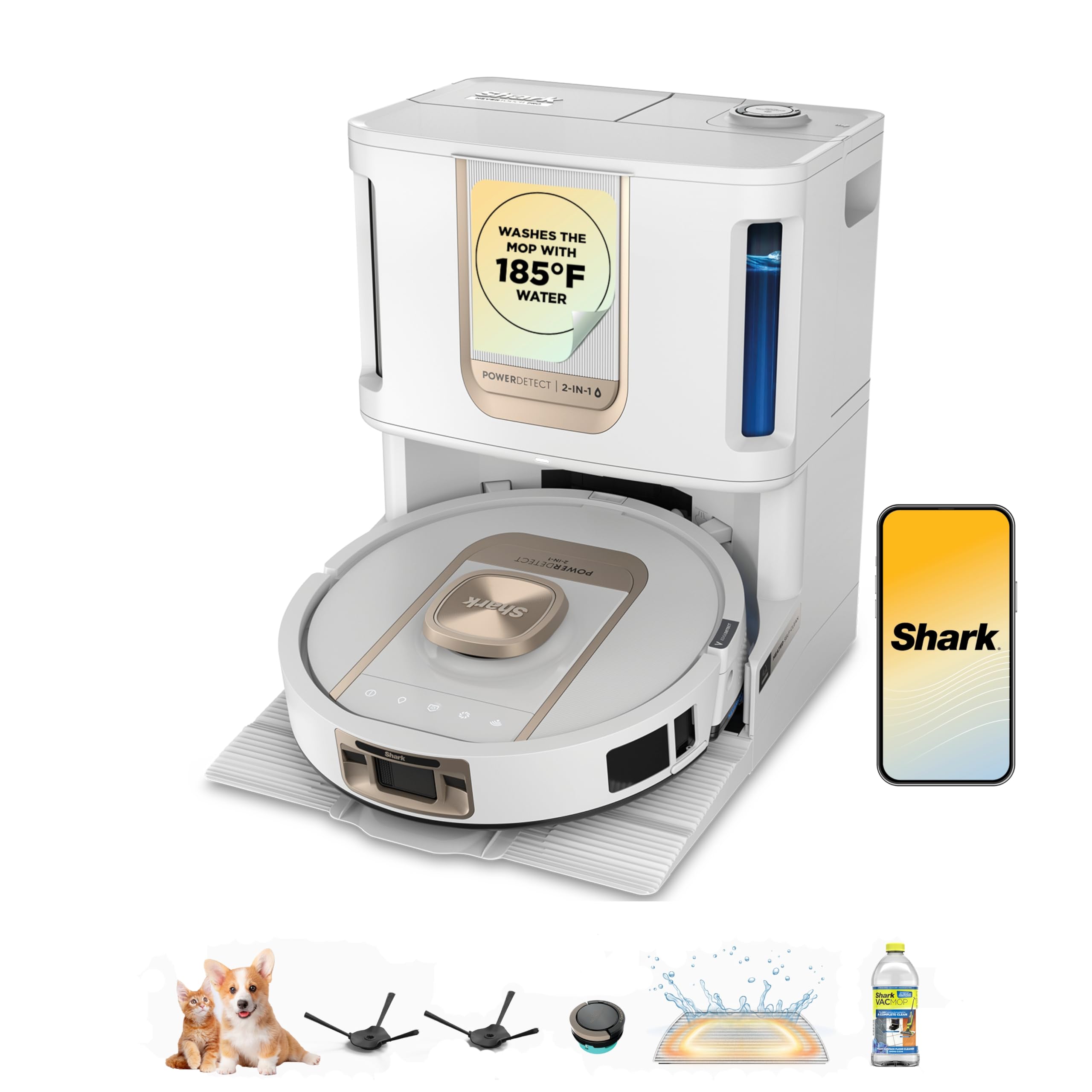
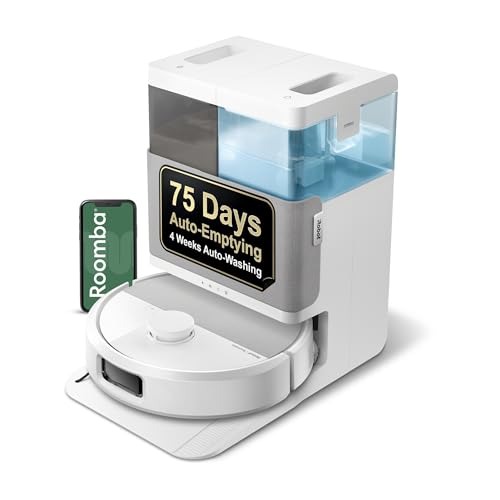
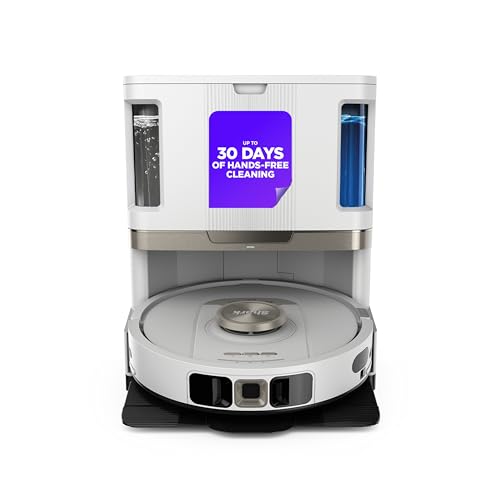


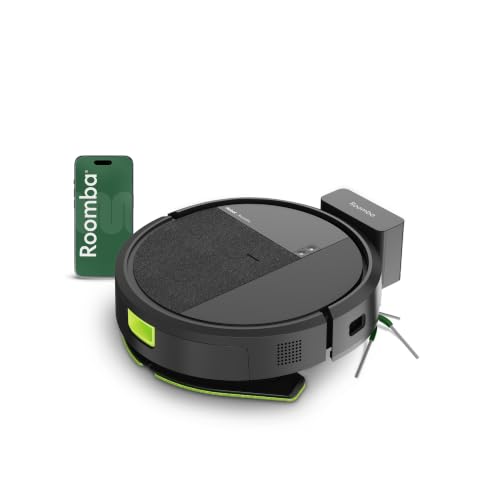
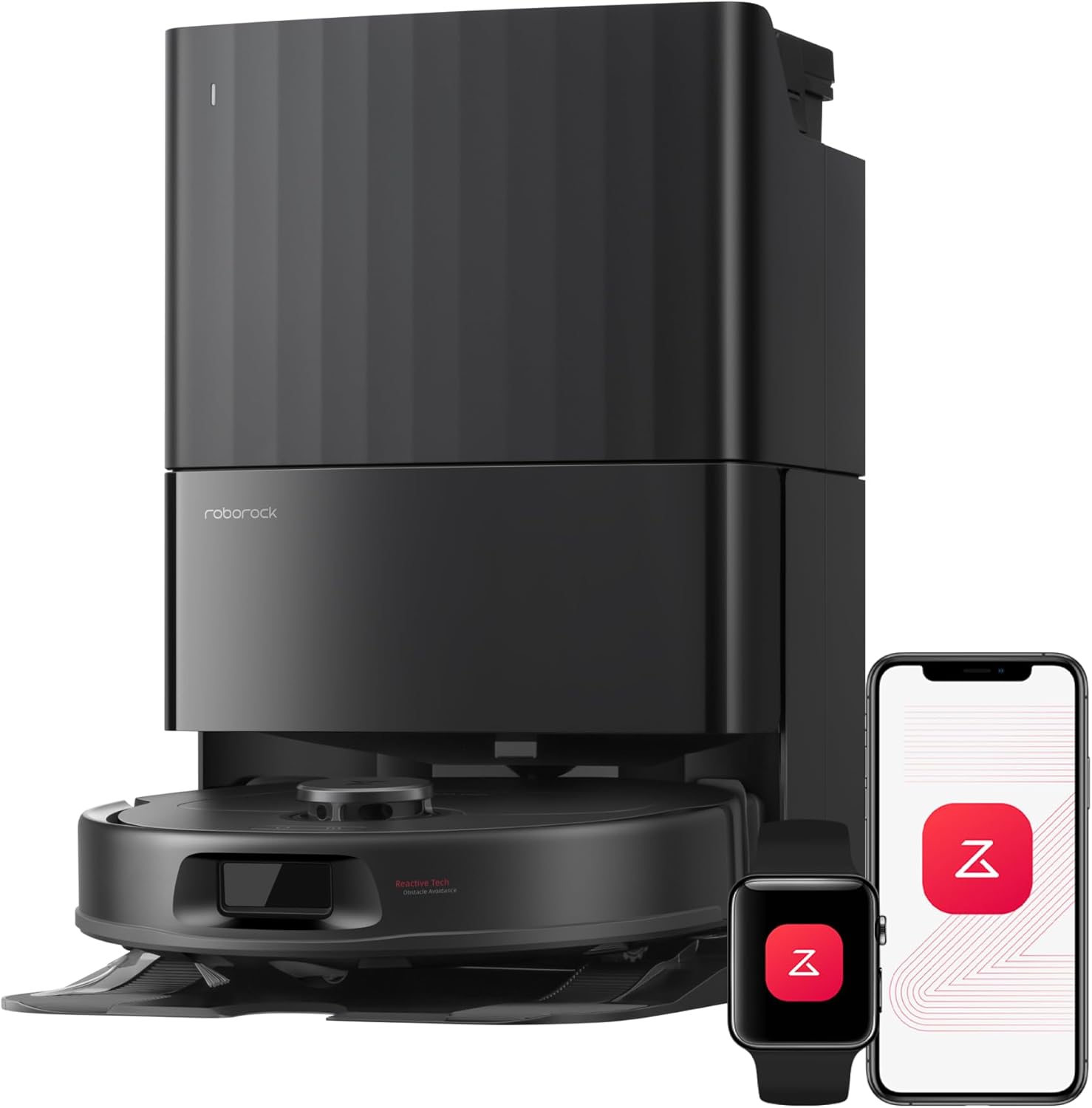
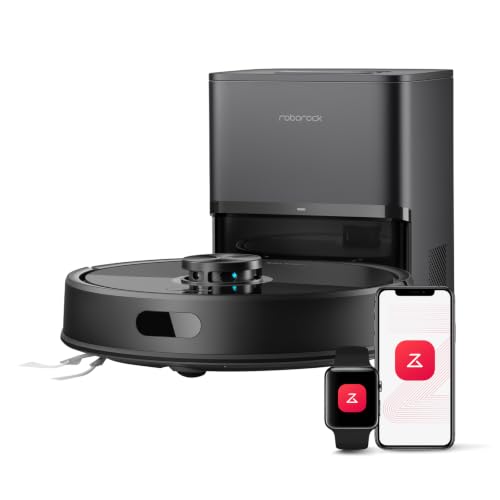
Who Should Buy Which Robot Vacuum for Multiple Floors?
The shape of your home decides whether one good robot or a simpler arrangement suits you best.
Two story homes with bedrooms upstairs
The classic case: living spaces and pet hair downstairs, carpeted bedrooms up. One mapping robot can cover both if it stores at least two detailed maps and you carry it up for a scheduled bedroom session. Look for per level settings, since the upstairs carpet wants more suction and boost while the downstairs hard floors reward quiet, frequent passes. Where pets live mainly on the ground floor, our guide to the best robot vacuum for pet hair covers the brush and bin choices that level will need.
Homes with a finished basement
A basement level often has different flooring, lower light and more stored items along the walls. A robot with enough saved maps treats it as just another floor, and the level usually needs less frequent cleaning, which suits a carry down routine once a week. Basement owners should pay extra attention to cliff sensors at the stair opening and to obstacles like support poles that confuse simple navigation.
Split level homes with several short levels
Split level layouts have three or four small areas separated by short stair runs, which is the sternest test of map storage. Count your levels honestly before buying, and favor models at the higher end of map capacity. Small levels clean fast, so battery size matters less here than quick setup: a robot that recognizes which level it is on within seconds makes the whole routine painless.
Key Features to Compare
Five specifications separate a robot that copes with several floors from one that quietly only suits a flat.
Number of saved maps
This is the headline feature for you. Many mapping models store about three to five maps, each with its own rooms, no go zones and settings. Cheaper models may store only one, which forces a fresh mapping run every time the robot changes floors. Check the spec before buying, and remember that a map must exist for every level you want cleaned with room level control, including the basement you only do monthly.
Weight and carrying comfort
You will carry this machine up and down stairs several times a week, so weight is a daily concern, not a footnote. Most robots weigh about 7 to 10 pounds, and a proper carry handle or a balanced grip makes a real difference on a staircase. Self emptying models are no heavier in the robot itself, but remember you are carrying it without its dock, so the bin fills the old fashioned way on dock free levels.
Dock strategy for levels without a dock
On a floor without its dock, a mapping robot cleans from its start point and returns there when finished or when the battery runs low. That works well as long as you start it from the same spot each time. Some households later add a second dock upstairs, which removes the need to carry the robot down for emptying and charging; a second dock costs far less than a second robot. Households weighing that upgrade against a whole second machine can compare the best cheap robot vacuum prices to see which route is cheaper overall.
Cliff sensors and threshold handling
Stair safety rests on the cliff sensors beneath the front edge, which detect drop offs and turn the robot away. In a multi level home those sensors work at every stair head, so keep them clean and test them under supervision on each new level. Thresholds matter too: robots differ in the height of door bar or rug edge they can climb, and a level with thick rugs may defeat a model that handles your downstairs floors easily. Our guide to the best carpet robot vacuum explains how pile depth changes both climbing and cleaning on the carpeted level.
Battery sized for your largest level
Recharge and resume only works when the dock sits on the same level, because the robot cannot carry itself downstairs for a top up. On dock free floors, the whole level must fit inside one charge. Measure roughly: most robots cover about 800 to 1,200 square feet per charge on standard settings, less on max. If your largest level is bigger than that, either accept a two part clean or keep the dock on that level permanently.
A Simple Routine for Moving the Robot Between Floors
A fixed routine makes multi floor cleaning take minutes. Keep the dock on the level you clean most often, usually the main floor. For another level, carry the robot up with two hands, set it down in the same start spot each time, ideally near a wall in a central room, and close the stair door or fit a gate if small children or pets use the stairs while it runs. Start the clean from the app and select that floor's map if the robot does not recognize the level itself. When it finishes and returns to its start point, carry it back down, seat it on the dock and empty the bin. Working level by level on set days, such as upstairs every Tuesday, keeps the habit effortless.
Common Mistakes to Avoid
- Assuming the robot can move between floors by itself, when no current model climbs stairs.
- Buying a model that saves only one map, which means remapping every time you carry it to another level.
- Expecting it to return to a dock on a different floor, leaving it stranded and half charged at a start point.
- Skipping cliff sensor cleaning, so dust builds up and the robot hesitates or misreads edges near stairs.
- Carrying the robot with wet mop pads fitted, which drip on the stairs and make treads slippery.
How to Make Your Robot Vacuum for Multiple Floors Last Longer
Multi floor duty adds handling wear on top of normal use. Wipe the cliff sensors weekly, since they guard every stair head in the house, and check the wheels for grit picked up on different surfaces. Refresh each saved map after furniture changes on that level, rather than letting routes drift out of date. Keep the brush and filter on the usual schedule, and store the robot on its dock on the main level so the battery stays conditioned. Carrying by the handle with two hands, instead of by the bumper or lid, prevents the drops and knocks that end most robots' lives early.
FAQ
How many floor maps can one robot vacuum remember?
Most mapping models remember about three to five floors, and a few premium ones hold more. Name each map after its level in the app, because starting a clean on the wrong map produces odd routes and missed rooms. If your home has more levels than the robot stores, plan to keep maps for the levels you clean most and remap the rarely used ones as needed.
Do you need a charging dock on every floor?
No. On a floor without a dock, the robot starts from where you place it, cleans the level and returns to that start point. A dock is only required for charging, self emptying and mid clean top ups. Many owners run one dock for a year before deciding a second dock upstairs is worth it, and the robot itself is still carried between floors either way.
Can a robot vacuum fall down the stairs?
Cliff sensors make falls rare, and they are standard on every model worth considering. Very dark carpet at a stair head can fool some sensors into reading a drop where there is none, or mask a real one, so supervise the first runs on each level. Keeping the sensors wiped clean is the simplest insurance you can give a multi story home.
Is one mapping robot or two cheaper robots better for two floors?
One good mapping robot gives better cleaning, room control and a single app and maintenance routine, at the cost of carrying it. Two basic robots remove the carrying but double the filters, brushes and bins to maintain, and cheap models clean less thoroughly. For most two story homes, one mapping robot wins on results; two robots suit households where carrying anything on the stairs is genuinely difficult.
Can a robot vacuum clean upstairs and downstairs on the same day?
Yes, as long as you move it and its battery holds out. A practical pattern is to run the main level in the morning, let the robot recharge on its dock over lunch, then carry it up for the bedroom level in the afternoon. If the model also mops, empty the bin and swap or rinse the pads between levels so upstairs does not inherit downstairs dirt.
Final Thoughts
Multi floor robot cleaning succeeds on logistics: enough saved maps, a weight you can carry happily and a calm routine for moving day. Compare map counts and dock options in the product table above, and the best robot vacuum for multiple floors for your home will quietly keep every level presentable, one carried trip at a time.


