
Best Robot Vacuum With Mapping: How to Choose for 2026
Disclosure: We may earn a commission when you buy through links on this page, at no extra cost to you. As an Amazon Associate I earn from qualifying purchases. Learn more

Choosing the best robot vacuum with mapping comes down to navigation type, saved maps, no go zones and room control. Here is how to compare each one.
Mapping is the feature that turns a robot vacuum from a random wanderer into a planned cleaner. Instead of bouncing off chair legs until the battery fades, a mapping model builds a floor plan, cleans in orderly rows and can be sent to one room or kept out of another. If you are shopping for the best robot vacuum with mapping, the real questions are how it sees your home, how many maps it remembers and how much control the map gives you.
Below, we compare the mapping technologies, the controls they unlock and the setup habits that make maps accurate. The product table near the top lines up the main approaches, and our broader guide to the best robot vacuum is a useful starting point if you are still weighing robot cleaning against a conventional machine.

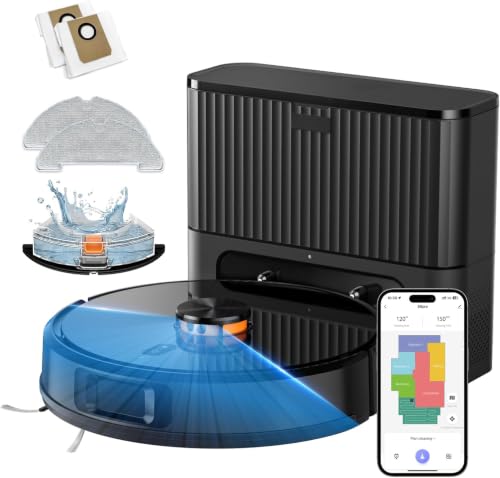
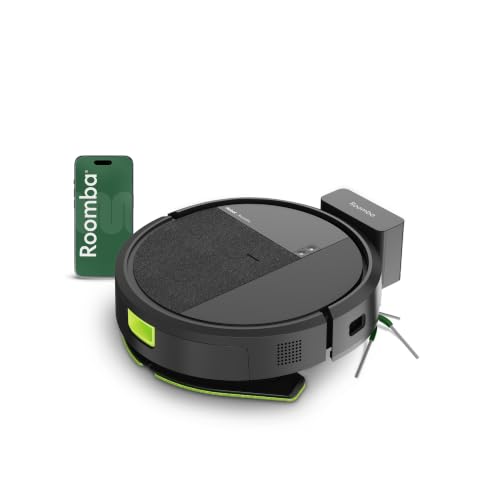
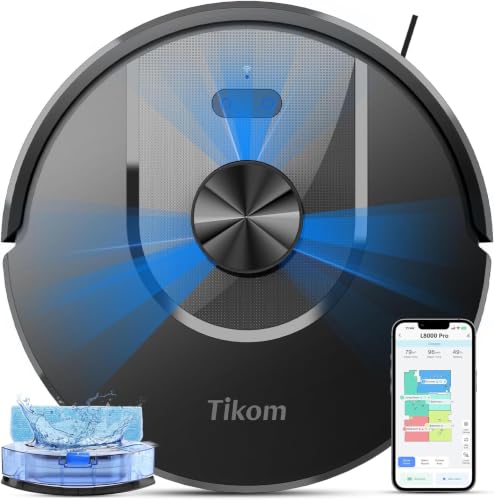
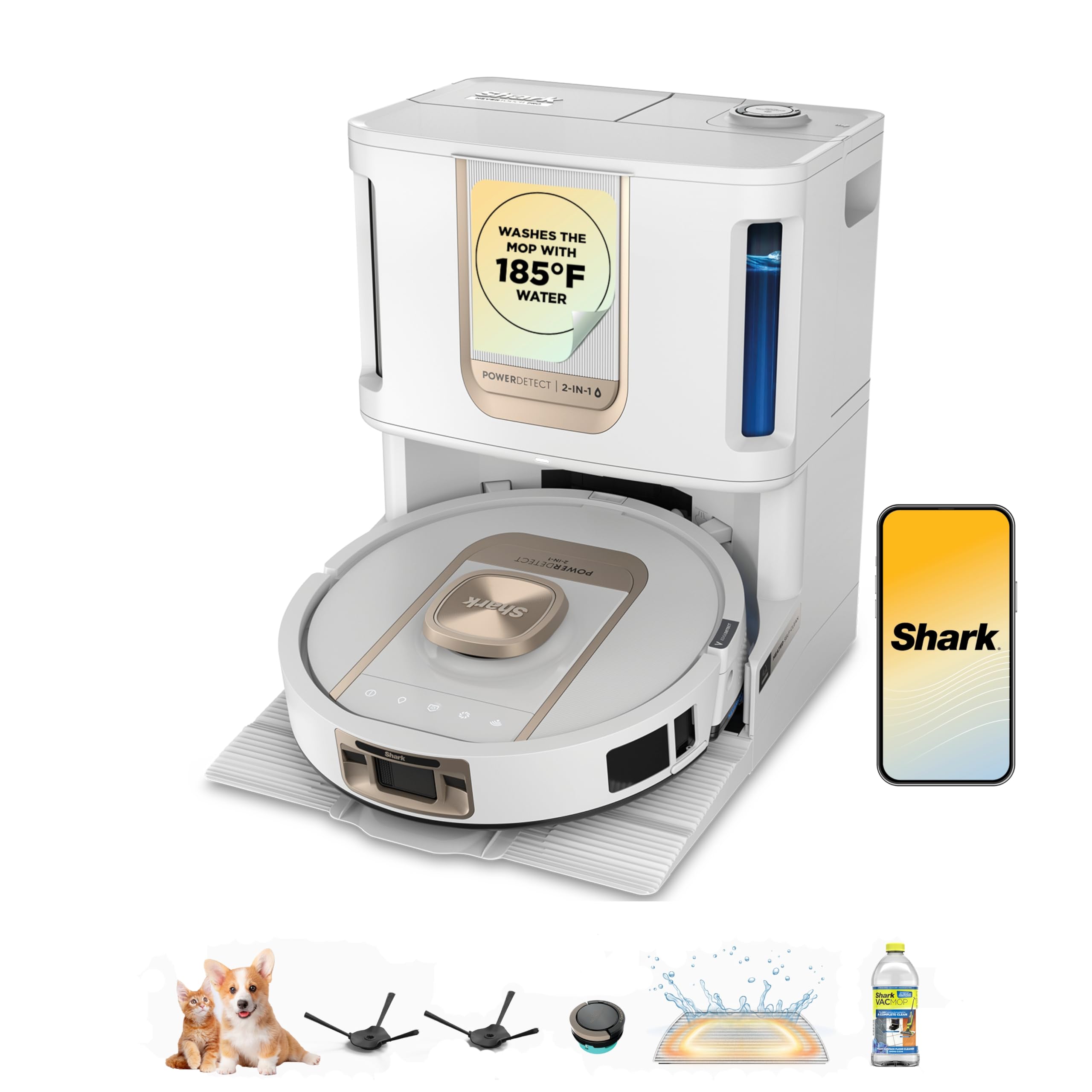

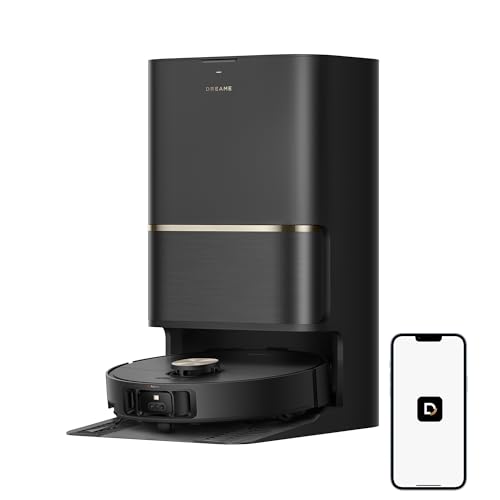
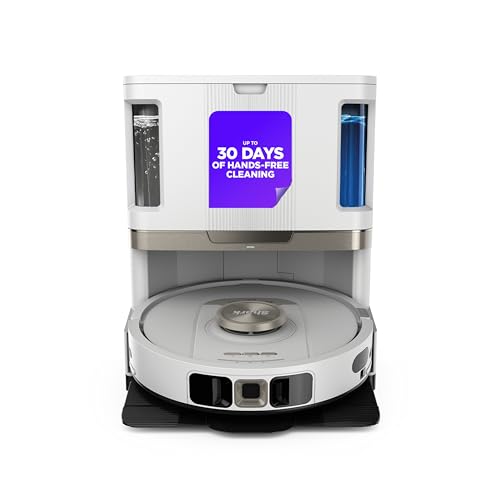

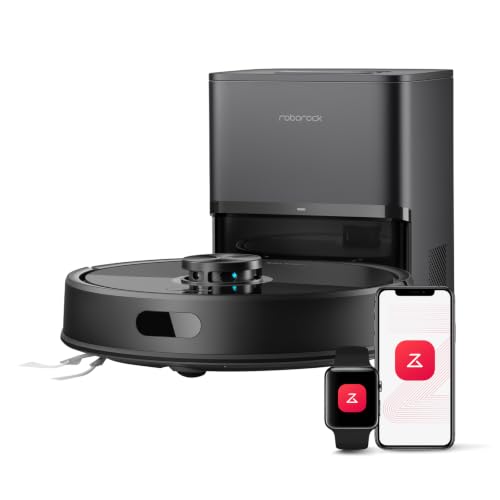
Who Should Buy Which Robot Vacuum With Mapping?
Mapping pays off most when your home has structure the robot needs to respect, rather than one open room.
Owners of larger homes with many rooms
In a home with six or more rooms, random navigation wastes battery on areas already cleaned and still misses others. A mapping model plans the whole floor, cleans room by room in a sensible order and reports what it covered. You can also clean the kitchen and hall daily while bedrooms run twice a week, which matches effort to how each space is used.
Households with areas the robot must avoid
Pet feeding corners, play mats, delicate rug fringe and home office cable nests are all places a wandering robot causes trouble. Drawn no go zones solve this permanently, without moving barriers before every run. Families with a nursery also use zones and room selection to skip a sleeping baby's room while the rest of the floor gets done.
People who split cleaning across the week
If you like the kitchen done after every dinner and the whole floor on Saturdays, mapping plus scheduling is what makes that possible. Room level suction settings help too: high power for the entry rug, quiet mode for the hall outside bedrooms. Our guide to the best robot vacuum for pet hair goes deeper on the rooms where animals spend their time, which are often the ones scheduled most often.
Key Features to Compare
Every mapping model draws a map, but the quality of that map and what you can do with it differ sharply.
Laser navigation versus camera navigation
Laser based systems spin a small sensor that measures the room, producing precise maps that work in total darkness. Camera based systems read ceilings and furniture visually, and many add object recognition, but they need some light and can be confused by dark rooms. Laser models usually map faster on the first run. Camera models often handle low obstacles better. Neither is automatically superior: pick laser for reliability in any light, or camera if avoiding small objects matters more in your home.
Saved maps and support for several floors
Check how many maps the robot can store, because that number decides whether one machine can serve a whole house. Many models save about three to five maps, enough for most two story homes with a basement. Good apps let you name each map and the rooms on it, and the robot should recognize which floor it is on when you set it down. If your home has more levels than the robot can remember, you will be remapping often, which quickly becomes tiresome.
No go zones and virtual walls
Zones drawn on the map have replaced the battery powered barrier towers of older models. Look for both no go zones, which block an area, and no mop zones if the model also mops. The best apps let you draw several zones per room and resize them with precision. This is also where you protect a pet corner: keep the robot out of the feeding area entirely, or schedule that room separately when bowls are picked up.
Room by room control and custom settings
A good map lets you clean one room, reorder the sequence and set suction and pass counts per space. Two passes over the entryway and one over the guest room saves battery and time. For carpeted bedrooms you may want automatic boost on the rug, and our guide to the best carpet robot vacuum explains what pile depth does to that plan. Check that custom settings stick to the room rather than resetting after each run.
Obstacle recognition and avoidance
Higher end mapping models use front cameras or structured light to spot shoes, cables, toys and pet messes, then steer around them instead of pushing them across the floor. This matters most in lived in homes where a perfect tidy up before every run is unrealistic. Recognition is not flawless, and it raises the price, but it prevents the two classic robot failures: a cord wrapped around the brush and a mess smeared through a room.
Budget note: mapping used to be a premium extra, and while prices have fallen, the cheapest mapping models cut corners on saved maps and zone precision. The best cheap robot vacuum options show what entry level money buys, which helps you judge whether a low priced mapping claim is realistic.
How to Get an Accurate First Map
The map is only as good as the first run. Tidy the floor more thoroughly than usual, open every door you want mapped and turn on lights if your model uses a camera. Start the mapping run from the dock and resist the urge to pick the robot up and carry it past a tricky spot, because being moved confuses its position. Once the run finishes, check the map in the app, fix room dividers where it guessed wrong, merge or split rooms as needed and give each a clear name. Save a backup of a good map if the app offers one, so a later glitch does not force you to start over.
Common Mistakes to Avoid
- Moving the robot by hand during a run, which breaks its sense of position and can corrupt the map it is building.
- Expecting the map to stay perfect after you rearrange furniture, when large changes call for a fresh mapping run.
- Placing the dock in a cramped corner, which makes it hard for the robot to locate home and anchor the map.
- Drawing no go zones before the first full clean, so zones end up offset from the rooms they were meant to protect.
- Assuming mapping fixes weak cleaning, when a well guided robot with a poor brush still leaves grit along the edges.
How to Make Your Robot Vacuum With Mapping Last Longer
Mapping hardware needs the same basic care as any robot, plus attention to its eyes. Wipe the laser window or camera lens with a soft dry cloth so dust does not blur its view, and keep the area in front of the dock clear so it can dock and orient itself. Clean the brush and side brush weekly, wash or replace filters on schedule and refresh your saved maps after renovations or big furniture moves. Software updates often improve navigation, so keep the app current. A robot that can see clearly will hold its maps and its cleaning quality far longer.
FAQ
Does a robot vacuum with mapping clean faster than one without?
Usually yes, because planned rows cover each area once instead of relying on chance. The time saved grows with home size: in a small apartment the difference is modest, while in a large multi room home a mapping model can finish in about half the time and still miss less. Faster finishes also mean less wear on the battery per clean.
Can a robot vacuum with mapping clean in the dark?
Laser guided models can, because they measure distance with their own light and do not depend on the room being lit. Camera guided models need at least dim light to read the room, and their maps may drift in a pitch black hall. If you plan overnight runs, a laser model is the safer match.
How many maps can a robot vacuum with mapping save?
Most current models save about three to five maps, which covers the main floors of most homes. A few premium models store more. Count your levels before buying, including a finished basement or a bonus room over the garage, and remember that each saved map also holds its own no go zones and room settings.
What happens to the saved map when furniture moves?
Small changes, like a chair or a laundry basket, are handled on the fly and the map stays valid. Moving large pieces, such as a sofa or shelving, can leave the map describing a room that no longer exists, and the robot may plan odd routes. Many apps quietly refine maps over time, but after a real rearrangement a fresh mapping run gives the cleanest result.
Does a mapping robot vacuum record images of my home?
Laser models build their maps from distance measurements and do not take pictures. Camera models do process images to navigate and recognize objects, and map data is usually stored in the maker's app or cloud account. If privacy is a priority, choose a laser model, read the app's data settings before setup and turn off any optional image sharing features.
Final Thoughts
Good mapping is less about the picture in the app and more about control: the right rooms cleaned, the wrong ones skipped and nothing important run over. Compare the navigation type, map storage and zone tools in the product table above, and the best robot vacuum with mapping for your layout will make whole home cleaning feel nearly automatic.


