
Best Robot Vacuum With No Go Zones in 2026: Keep the Robot Where It Belongs
Disclosure: We may earn a commission when you buy through links on this page, at no extra cost to you. As an Amazon Associate I earn from qualifying purchases. Learn more

Keep the robot out of pet bowls, cords and kids rooms: how to choose the best robot vacuum with no go zones and set them up properly.
A robot vacuum that cleans everywhere sounds ideal until it drags through the dog water bowl, tangles in the fringe of a good rug or spreads a bathroom puddle across the hall. No go zones are the app drawn boundaries that keep the machine out of trouble spots, and they only work as well as the mapping underneath them. Choosing the best robot vacuum with no go zones means looking past the feature checkbox to map accuracy, zone precision and how the robot behaves when the map drifts.
This guide explains how virtual boundaries compare with physical barriers, what precision to expect and how to set zones that survive daily life. The product table near the top outlines the main approaches, and our wider roundup of the best robot vacuum models covers machines for homes that need fewer restrictions.
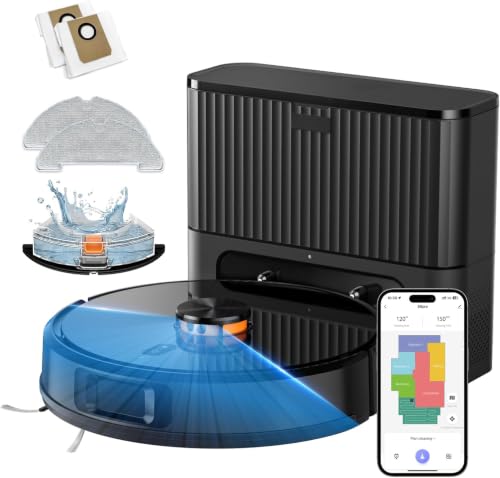
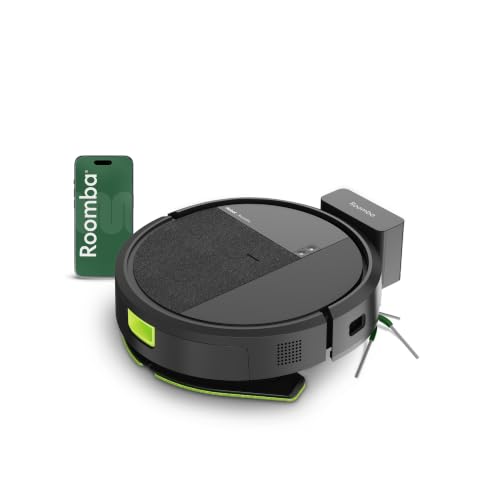
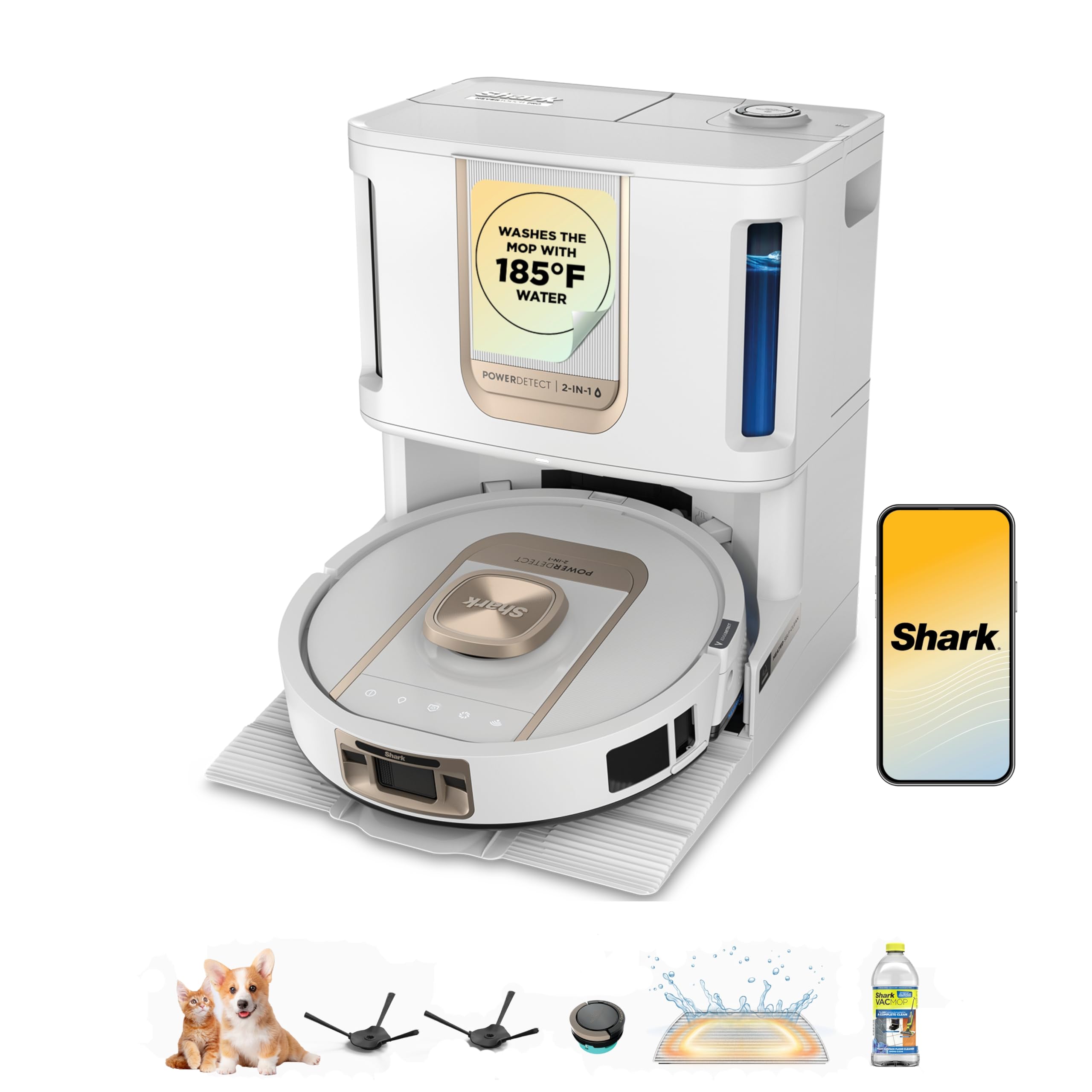
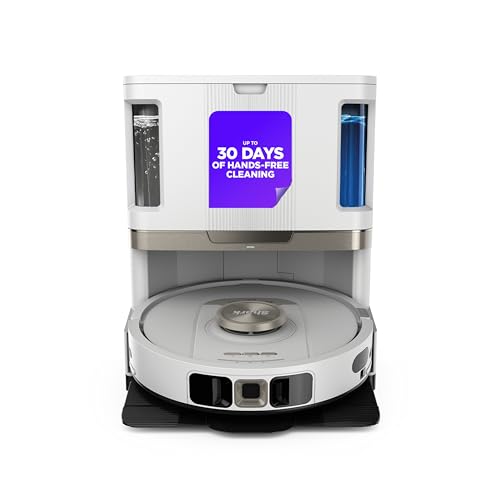

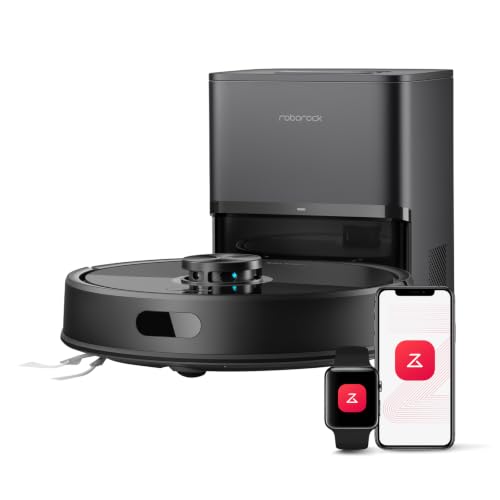

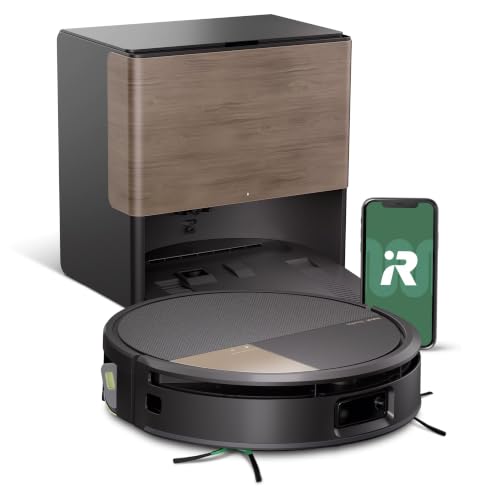

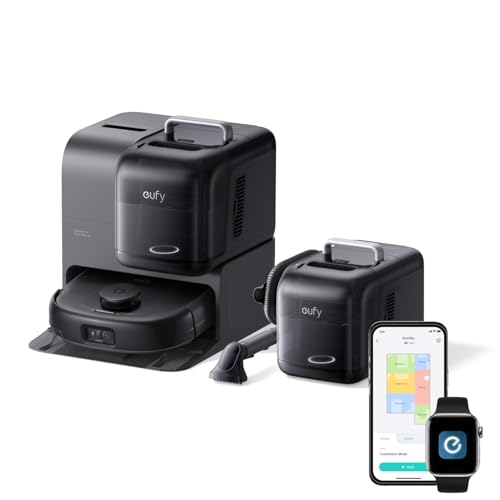
Who Should Buy a Robot Vacuum With No Go Zones?
Pet Owners Protecting Bowls, Beds and Litter Areas
Water bowls, feeding mats and litter boxes are exactly where a robot should never go, yet they sit on the floor it cleans. A drawn zone around the feeding corner ends the spills and the scattered litter trails in one setup step. Households comparing the best robot vacuum for pet hair should rank zone control high, because pet homes have more floor hazards than most.
Parents Guarding Play Areas and Small Toys
Play mats collect tiny toys, puzzle pieces and craft scraps that jam brushes and vanish into dust bins. Drawing a zone over the play corner during the week and lifting it for a full clean on weekends takes seconds in the app. Zones also protect sleeping babies from a robot wandering into the nursery at the wrong hour, which a simple schedule alone cannot promise if a run starts late.
Homes With Fringe Rugs, Cables and Floor Vents
Fringe tangles in brush rolls, charging cables wrap around wheels and low floor vents can trap a robot by its bumper. Rather than redecorating around the machine, zone out the rug fringe strip, the cable corner behind the media unit and the vent. Owners of delicate antique rugs often zone the whole rug and vacuum it themselves with a gentle machine, keeping full control over suction and brushes.
Key Features to Compare
How the Robot Learns Your Floor Plan
No go zones live on a map, so mapping quality decides everything. Lidar robots chart rooms quickly and hold boundaries within a few inches, while camera based systems read landmarks and can drift in dim or cluttered rooms. Random navigation models cannot store zones at all, and strip based systems are already excluded by this keyword. Run the mapping pass in good light with doors open, because a wall drawn wrong in the map becomes a boundary the robot defends forever.
Virtual Zones Versus Physical Barriers
App drawn zones cost nothing to move and can cover odd shapes, but they depend on the map staying aligned. Physical options still exist: magnetic strips laid under rugs and infrared barrier towers that project a line the robot will not cross. Models at the level of the best cheap robot vacuum often rely on those physical tools instead of app maps. Virtual zones suit most homes, while a physical strip remains the foolproof guard for one precious rug or a pet feeding station you never move.
Separate Zones for Vacuuming and Mopping
Good systems let you set one boundary for vacuuming and another for mopping, because carpet should block only the mop. Look for no mop zones that trigger automatically when carpet is detected, backed by zones you draw yourself for rugs the sensors misread. A robot that treats every zone as a total ban forces you to choose between mopping the kitchen and protecting the rug, when you should be able to have both in one run.
How Small and Precise Zones Can Be
Zone size limits matter when the hazard is small, like a floor vent or a pet bowl corner. Better apps let you draw rectangles only a couple of feet wide and nudge them by small steps, while basic apps snap to a coarse grid that swallows half the room. Lines and walls tools help too: a virtual wall across a doorway stops room entry without boxing a whole area. Test the app screenshots and minimum zone dimensions in the specs before buying, since precision is rarely in the headline features.
Multi Floor Map Storage
Homes with two cleaned levels need the robot to remember zones on each floor, not rebuild them after every carry up the stairs. Check how many maps the model stores and whether it detects the floor automatically or needs you to pick the map in the app. Each map holds its own zones, so a basement workshop can stay banned while the kitchen above gets full access. If you plan to move the dock between floors, confirm the robot relocates itself on the right map reliably.
Draw Zones That Actually Work
After mapping, clean once with no zones and watch where the robot struggles, then draw boundaries around real failures instead of guesses. Give every zone a margin of a few inches beyond the hazard, because no consumer map is exact and bumpers overhang the drawn line. Name zones in the app, run a test pass that only cleans near the new boundaries, and check the pet bowls and rug fringe afterward. Revisit zones after furniture moves, since last month map under a shifted sofa creates phantom walls.
Common Mistakes to Avoid
- Drawing zones before the map is finished, so boundaries land in the wrong rooms entirely.
- Making zones exactly the size of the hazard, with no margin for map drift and bumper overhang.
- Forgetting mop zones, so the robot vacuums around the rug but mops straight across it.
- Blocking the dock surroundings with a zone, which traps the robot at home or strands it outside.
- Never updating zones after rearranging furniture, leaving phantom bans and open hazards behind.
How to Make Your Robot Vacuum With No Go Zones Last Longer
Zone accuracy depends on clean sensors, so wipe the lidar window or camera lenses and the cliff sensors with a dry cloth every few weeks. Dust film on a sensor is the quiet cause of maps that slowly rotate and zones that creep across doorways. Keep the dock area and its approach path clear, because relocation errors after a blocked docking scramble the map the zones rely on.
Update the app and firmware when the maker releases fixes, since mapping corrections often arrive quietly in software. Save a backup map if the app allows it, so a corrupted map does not cost you an afternoon of redrawing. Treat zone setup as part of maintenance: after any deep furniture change, rerun the map rather than patching old boundaries.
FAQ
Do no go zones work without WiFi?
The zones live in the app, so you need WiFi and the app for setup and editing, and the robot stores the map onboard afterward. Most models keep honoring saved zones if the connection drops mid run, but you cannot draw new ones offline. Homes with weak coverage in far rooms should confirm the robot reconnects after cleaning rather than stalling at the dock.
Can a robot vacuum keep out of part of a room only?
Yes, that is the main advantage of drawn zones over door closing, since you can ban the corner with the pet bowls and still clean the rest of the kitchen. Precision varies by model, so small partial zones are the test that separates strong mapping from basic mapping. Our guide to the best carpet robot vacuum covers a related trick, using zones to give high pile rooms a vacuum only routine.
Do no go zones stay saved after a power outage?
On mapping models, yes, the map and its zones are stored in memory and survive outages, battery swaps and dock moves within the same spot. Problems start when the dock itself moves to a new wall, because the robot may rebuild its position and shift every boundary. Keep the dock in one place, and if you must move it, verify the zones on a short test run.
Are magnetic barrier strips still worth using?
They are worth it for one or two permanent hazards, like a feeding station or a step down the robot sensors misread, because a strip works even if the map fails. Strips are less practical for many zones, since cost and floor clutter add up. Treat them as backup for your most important boundary rather than the main system across the whole home.
Can no go zones protect a robot vacuum from stairs?
Stairs are handled by cliff sensors, not zones, and every modern robot has them, so you do not need to draw a boundary at the top step. Zones still help on landings with loose rugs or pet gates the robot bumps. If a robot ever hesitates oddly at an edge, clean the cliff sensors first, because dust there causes both false alarms and missed drops.
Final Thoughts
Judge this feature by the map beneath it: fast lidar mapping, small precise zones, separate mop control and multi floor storage are the four things to verify. Set zones from real test runs, leave margins, and the best robot vacuum with no go zones will clean boldly everywhere it is allowed and never where it is not. Compare the approaches in the product table above before you decide. Prices and availability can change, so check the product page before ordering.


